Remote Work Shared Apartment Call Privacy Plan for 2026
A practical plan for confidential calls in shared apartments: room choice, headset habits, background control, paper handling, roommate norms, and escalation cues.
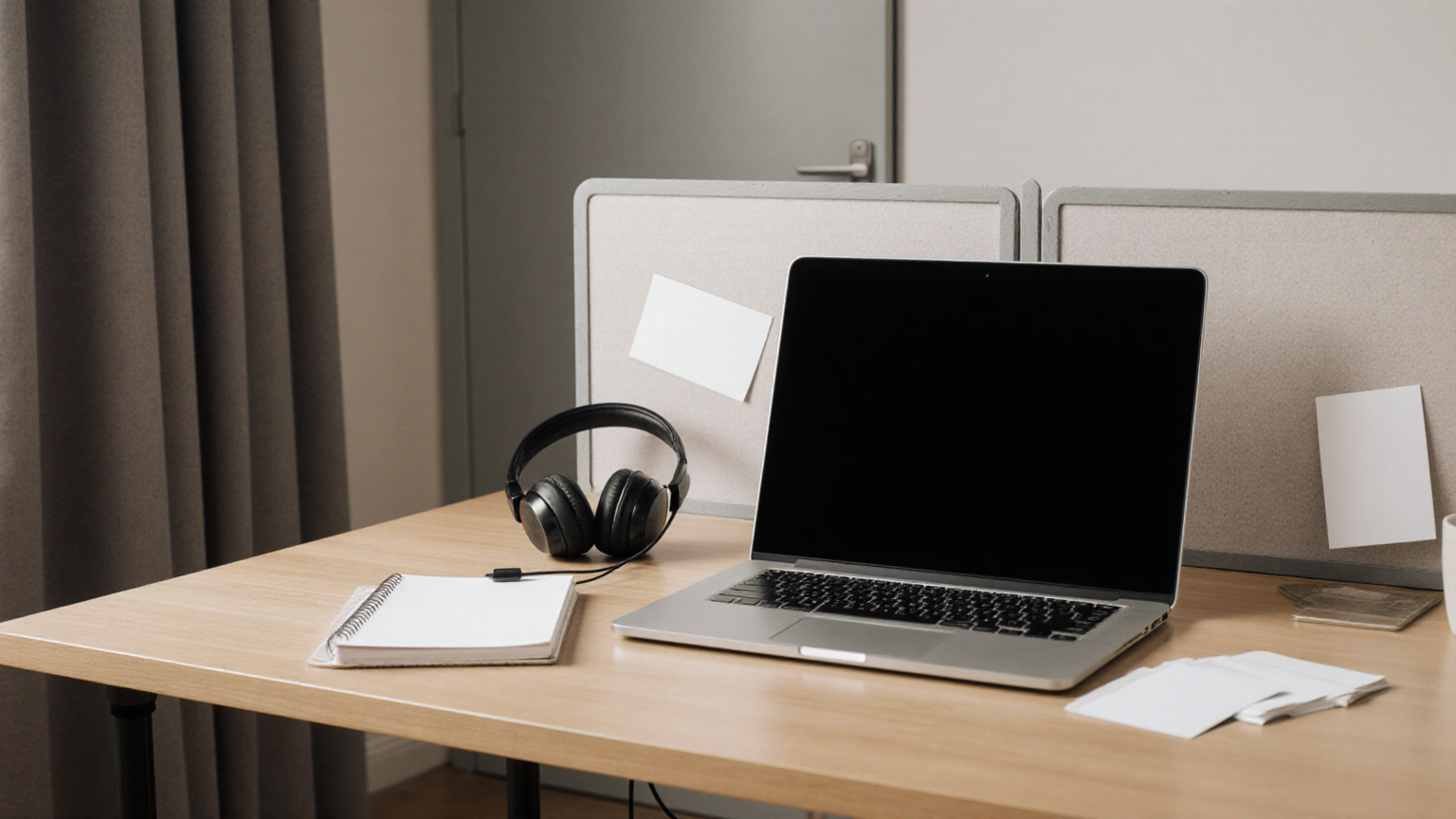
This guide is current as of 2026-06-28. It is designed to preserve helpful-content and AdSense readiness: the advice is specific, source-backed, non-promotional, and focused on decisions a reader can take today.
Privacy starts before the meeting invite
Shared apartments create a different risk profile than offices: someone can overhear the client name, see a whiteboard reflection, photograph a screen in the background, or interrupt during a confidential escalation. The practical fix is not paranoia. It is a repeatable call setup that separates audio, visual, paper, and roommate boundaries.
Use a call lane
Reserve one seat, one backdrop, one headset, and one notepad for client calls. If the room changes every day, the checklist changes every day. A stable call lane lets you notice what is visible, what is audible, and where papers land after the meeting.
Fast decision table
| Shared-apartment risk | Same-day action | Escalate when |
|---|---|---|
| Roommate can hear client names | Use a closed door, headset, and agenda shorthand before the call starts | The meeting involves HR, legal, health, finance, unreleased product, or customer incidents |
| Background shows personal items | Build one neutral call wall and remove papers, mail, and screens from camera view | Company policy requires approved virtual backgrounds or recording controls |
| Notes stay on the desk after calls | Move call notes to a closed folder immediately after the meeting | Notes contain client secrets, credentials, regulated data, or private customer details |
| Interruptions keep happening | Publish a roommate signal that says “live client call” without naming the client | A work accommodation or separate workspace is needed to meet confidentiality rules |

Step-by-step plan
- Choose the call lane. Use the same chair, wall, headset, and lighting so privacy checks become automatic.
- Run a 30-second visual sweep. Remove mail, whiteboards, client printouts, family photos, and reflective screens.
- Control audio first. A headset and closed door matter more than a decorative background.
- Use privacy-safe roommate signals. Say “client call until 2:30” rather than naming the client or topic.
- Handle paper immediately. Put notes into a closed folder or shred bin before leaving the desk.
- Document repeat failures. If interruptions keep exposing work content, raise the issue with your manager or client owner instead of improvising risky workarounds.
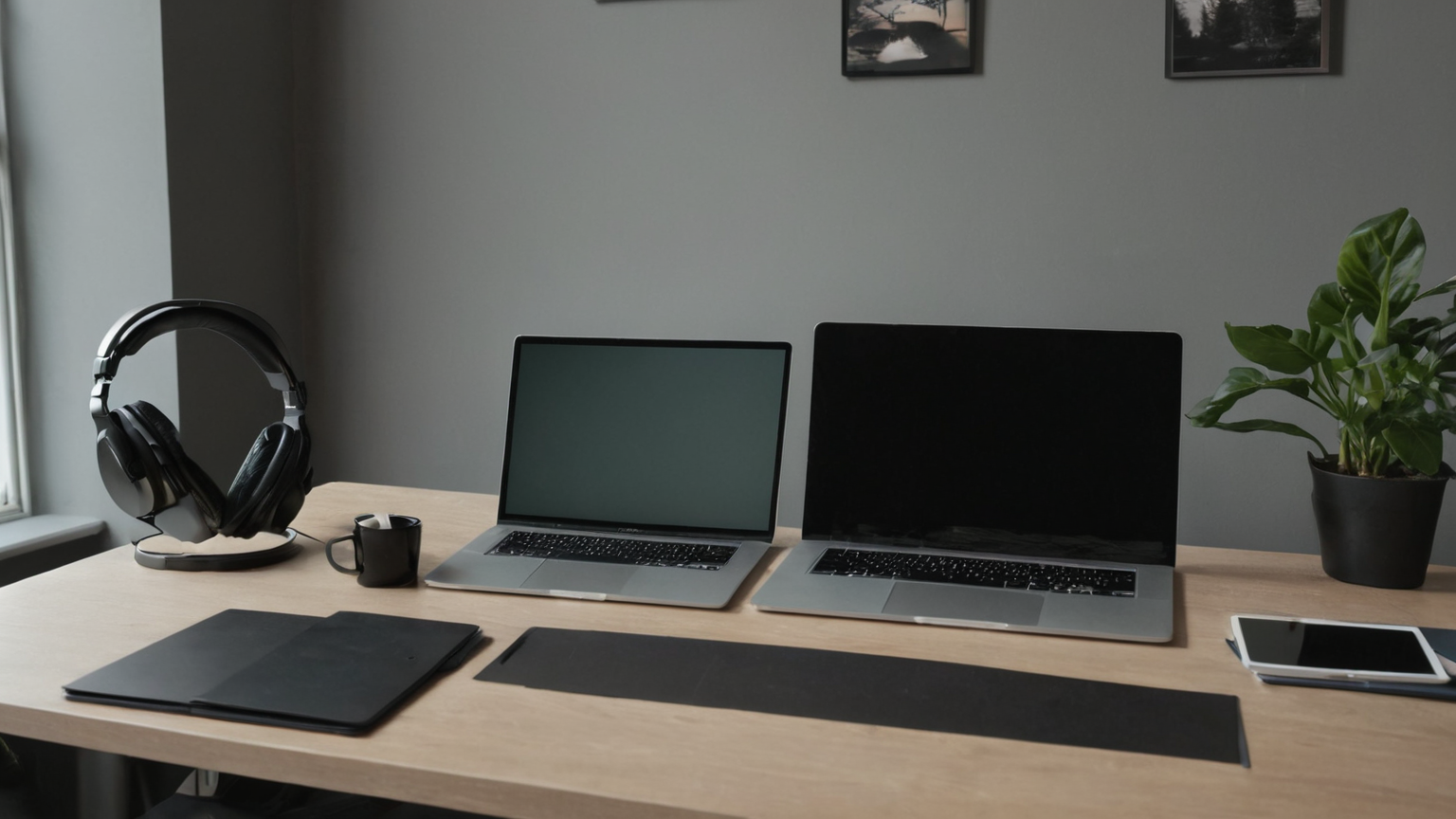
Reader checklist
- Headset works and does not leak call audio into the room.
- Camera view excludes private mail, whiteboards, calendars, and other screens.
- Roommate signal is privacy-safe and does not reveal client identity.
- Recording, transcription, and screen-share controls are checked before sensitive calls.
- Paper notes have a closed-folder or disposal destination.
- Backup room or phone-only fallback is ready for maintenance, guests, or noise.
- Employer/client confidentiality rules override convenience.
- The setup is reviewed after any interruption or accidental disclosure.
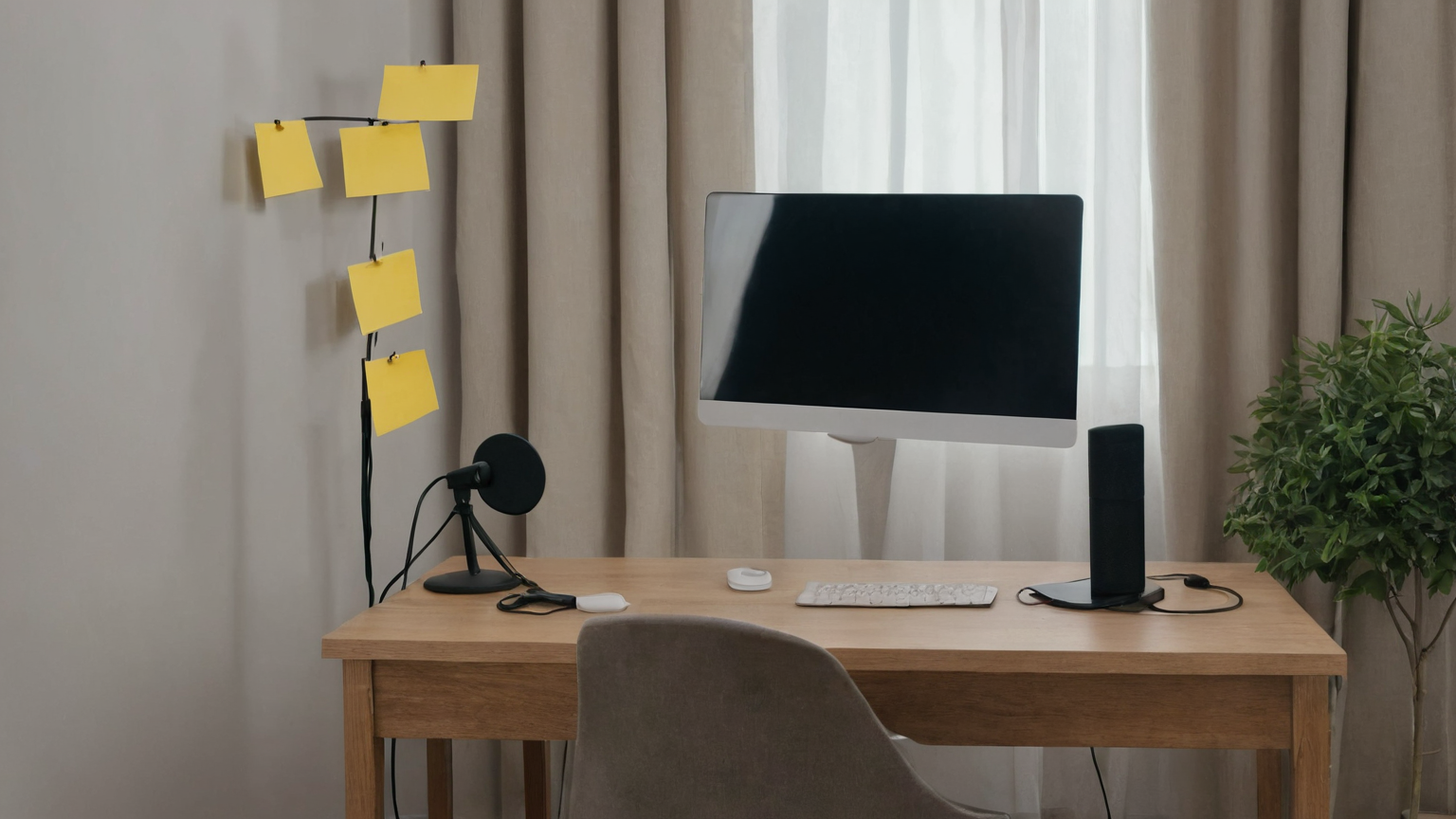
What to avoid
Avoid naming clients on door signs, leaving call notes open, trusting virtual backgrounds to hide messy physical risks, or taking confidential calls from common rooms because “it is only ten minutes.” Also avoid turning the guide into a gear list. Better privacy usually comes from stable habits: headset, closed door, clean camera field, written roommate norms, and fast escalation when the apartment cannot support the call type.
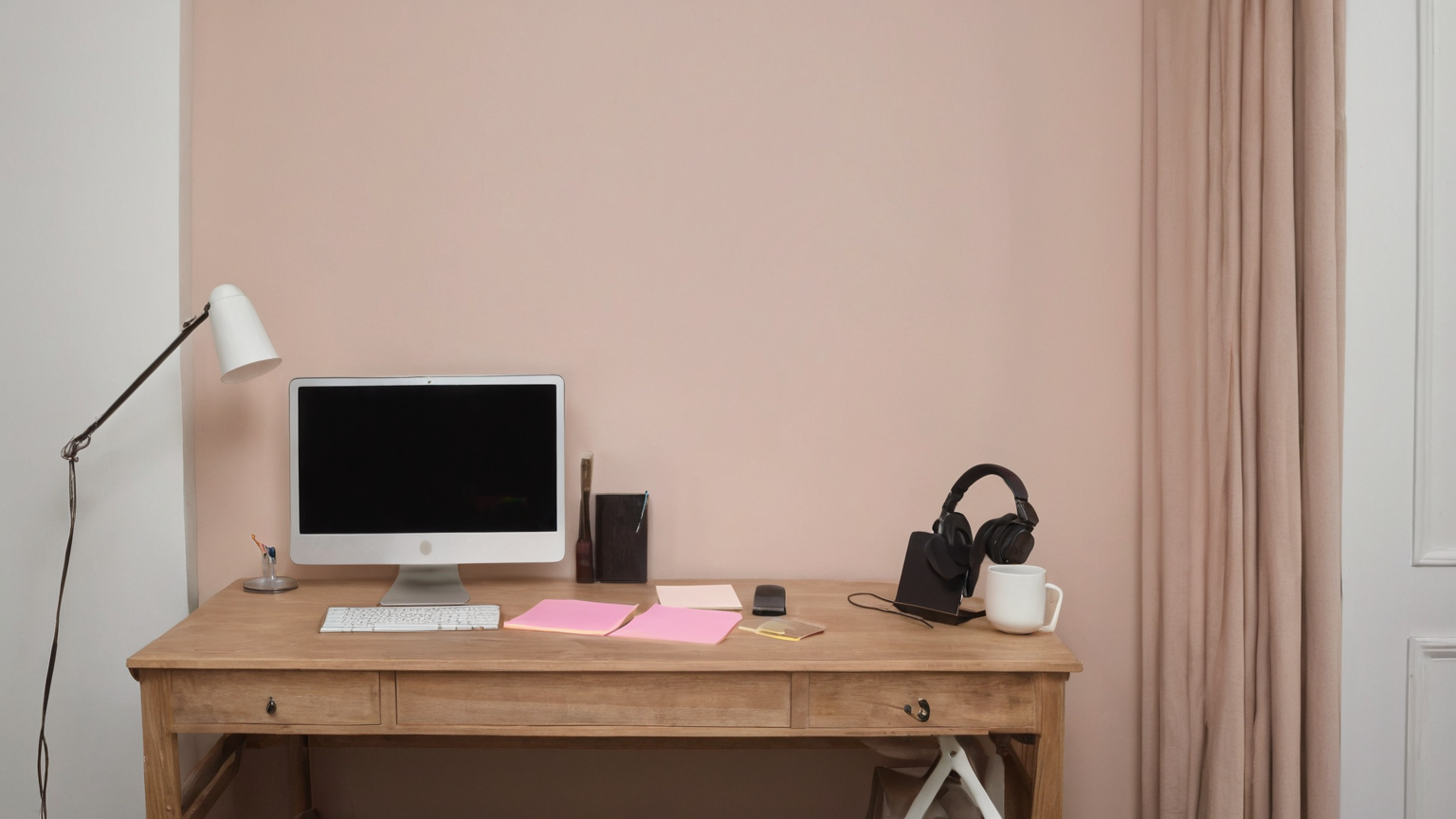
Source-backed notes
The sources below were selected because they are official, professional, or durable references rather than thin product pages. Some government and security pages may block script clients while remaining authoritative for normal readers; the article avoids claims that require unavailable live data. Use the source list as a starting point, then verify local rules, employer requirements, provider policies, and professional advice where your situation differs.
FAQ
Can I handle this in one evening?
Yes for the first pass. The plan is intentionally small: identify the risk, remove the obvious hazard, record the minimum evidence, and schedule the next review.
Should I buy something immediately?
Only if the checklist identifies a concrete gap that a product solves safely. Do not use shopping to postpone cleaning, documentation, privacy boundaries, or professional escalation.
How should I store the notes?
Keep them in a place the right person can find, but do not include passwords, full account numbers, medical details, or private client data unless a professional process requires it.
Why include images?
The images show practical setups and supplies without embedding fake text, UI, logos, receipts, forms, or risky details. They are visual aids, not evidence of a specific product recommendation.