Backup Internet Failover Video Call Plan for Remote Work
A practical 2026 remote-work plan for testing backup internet, hotspot limits, meeting fallbacks, router placement, and team communication before an ISP outage.
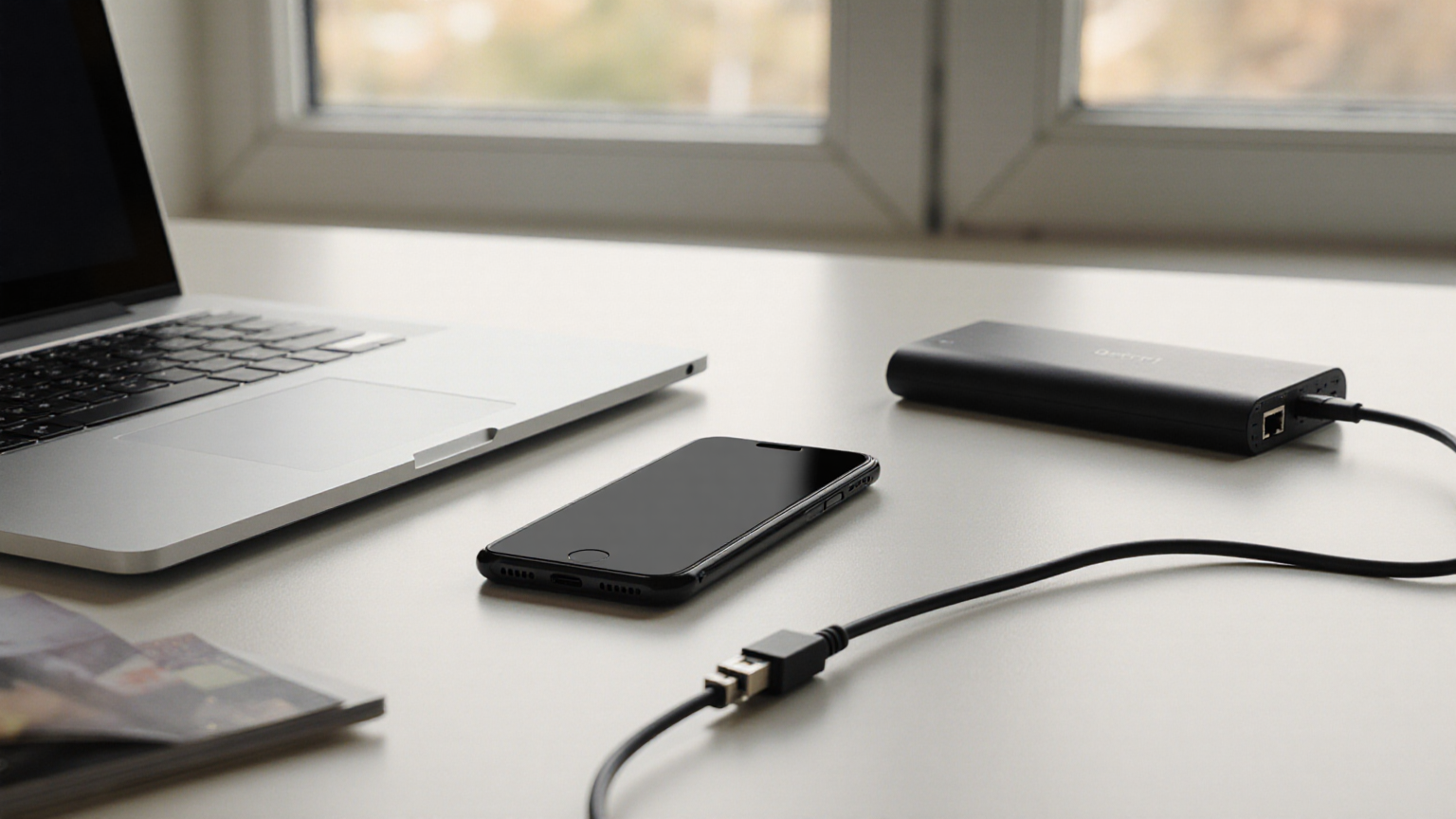
A backup internet plan fails when it is first tested during a client call. The practical goal is not perfect uptime; it is a rehearsed failover path that lets you join, notify, reschedule, or switch to audio within minutes. This June 2026 checklist keeps the plan low drama: know your primary connection, test the backup under realistic load, and write down the meeting fallback before the outage.
Decision table
| Work pattern | Minimum backup | Extra control |
|---|---|---|
| Occasional internal calls | Tested phone hotspot, charger, audio dial-in | Prewritten Slack or email status line |
| Client-facing video | Hotspot plus alternate meeting device | Calendar note with backup phone number and host handoff |
| Live training or webinar | Second connection or nearby approved workspace | Co-host, local recording, and run-of-show notes |
| Confidential work | Encrypted device, approved network, no public kiosk login | Confirm employer policy before using coworking Wi-Fi |
Measure the real failure points
Do one fifteen-minute test on the same weekday and room where you normally work. Join a test meeting, share screen for two minutes, turn video on and off, and watch whether audio remains stable. Record signal bars, approximate speed, battery drain, and whether the hotspot overheats. A speed test alone does not prove meeting reliability.
Create a two-minute failover drill
Keep the hotspot charged, the USB cable visible, and the laptop set to remember the network only if that is acceptable under your employer policy. Practice: disconnect Wi-Fi, connect to hotspot, reopen the meeting, send the status line, and switch to audio if video is unstable. If the drill takes ten minutes, the problem is not technology; it is missing instructions.
Data and cost guardrails
Video can burn mobile data quickly, especially with screen sharing. Check your plan’s hotspot allowance, throttling policy, and overage terms. If your carrier offers data-only hotspot hardware, compare it with adding a second home ISP. The cheapest backup is not useful if it slows to unusable speeds after one long meeting.
Security boundaries
Do not turn an outage into a security exception. Avoid unknown open Wi-Fi, do not enter work credentials on shared computers, and keep VPN or device-management requirements in place. If a meeting must happen from a cafe, use the approved device, a private hotspot when possible, headphones, and a screen angle that protects sensitive content.
Team communication script
Write this once: My primary ISP is down. I am switching to backup internet now. If video is unstable I will stay on audio and share notes after the call. For client calls, add a co-host handoff sentence. The script prevents silence, which is usually more damaging than a short quality drop.
Monthly readiness check
Once a month, confirm the hotspot still works, the charging cable is not missing, the meeting app is updated, and the backup route is still allowed by policy. Keep notes in a personal ops document, not scattered across chat threads.
Reader trust and scope note
The article avoids pretending there is a universal best device, emphasizes official network/security guidance, and gives readers a repeatable test they can verify themselves.
Router and hotspot placement test
Signal strength changes across a room. Test the hotspot near the window, on the desk, and away from metal shelves or thick walls. If you use a USB tether, verify the cable carries data and power, not just charging. If you use a travel router, label the power adapter and keep the admin password in an approved password manager. Do not put the backup network name or password on a visible sticky note.
Meeting role fallback
For recurring high-stakes meetings, assign a co-host before there is an outage. The co-host can admit participants, share the deck, record if policy allows, and summarize decisions while you reconnect. Put the role in the calendar invite or run-of-show document. A backup connection solves bandwidth; a backup role solves continuity.
What to test in each app
Video apps fail differently. Test screen share, gallery view, audio-only mode, dial-in, file sharing, and chat messages. If your company blocks personal hotspots through policy, document the approved alternative before the outage. If VPN is required, test the VPN over the backup connection because some mobile networks handle corporate tunnels poorly.
Battery and heat plan
A phone hotspot can drain quickly and may throttle when warm. Keep a power bank, short cable, and ventilated placement. Do not bury the hotspot under papers or next to a sunny window. During a long outage, switch to audio, stop unnecessary cloud sync, and close streaming or backup apps that compete with the call.
Documentation for managers and clients
After a failure, send a short incident note: start time, primary ISP status, backup used, meetings affected, and changes you made. This prevents vague blame and supports a budget request if you need a better backup plan. It also creates evidence that you practiced responsible remote-work operations rather than improvising around policy.
Detailed operating notes
Use this guide as a worksheet, not as a one-time article to skim. The highest-value step is to slow the decision down enough to separate facts, assumptions, and next actions. Facts are items you can verify: a date, an account status, a symptom, a device menu, a confirmation number, or a photo. Assumptions are stories you may believe but have not checked yet. Next actions are small enough that another person in the household or team could do them without interpretation.
A good record has three columns. The first column is the observation. The second column is the source of that observation. The third column is the next action and owner. This structure prevents a common failure mode: collecting a pile of screenshots, links, and notes that no one can act on. If the issue changes, add a new dated entry rather than editing the old one. That makes the timeline easier to explain to a professional, support team, clinic, agency, manager, or family member later.
Privacy matters even when the topic feels ordinary. Do not paste passwords, full account numbers, payment card data, Social Security numbers, private medical details, client names, or children’s personal information into a shared note. If you must share evidence, redact identifiers and use the official upload or communication channel. The article’s checklists intentionally ask for only the minimum information needed to make the next decision.
Recheck official pages when the stakes are high. Agencies, platforms, vendors, utilities, health organizations, and employers update pages, eligibility rules, menus, and support paths. A saved article can help you prepare, but the current official page and a qualified professional override a static checklist. When the official page is blocked by a script, bot filter, login wall, or regional redirect, use that as a signal to verify through a second official channel rather than guessing.
For households or teams, make the plan visible before the stressful moment. Put the checklist where the right person can find it, assign one backup contact, and decide what would trigger escalation. A plan that depends on one tired person remembering every detail at midnight is fragile. A plan with a short script, a dated log, and an agreed escalation threshold is much more resilient.
Review the outcome after the event. What information was missing? Which source was hard to find? Which payment, appointment, device, or communication step took longer than expected? Turn those answers into one small improvement: a saved phone number, a corrected account login, a fresh backup cable, a labeled folder, a better pet record, or a monthly reminder. That small repair is the difference between content that merely informs and a system that reduces risk next time.
Quality-control pass before you rely on it
Before calling the plan finished, read it once from the point of view of a person who is tired, distracted, and under time pressure. Remove any step that requires guessing. Add the exact official place to check, the safest contact path, and the point where waiting becomes risky. If two people could interpret a step differently, rewrite it as a yes-or-no check or a short script.
Visual walk-through



Reader checklist
- Save official-source links before you need them.
- Keep private account numbers, medical details, passwords, and payment data out of shared notes.
- Re-check the latest official guidance if a rule, platform screen, benefit, or health condition changes after June 2026.
- Escalate to the qualified professional for this topic when the situation involves safety, money loss, legal risk, medical care, or account access.